Cast & sets
Turn a character into a 3D model
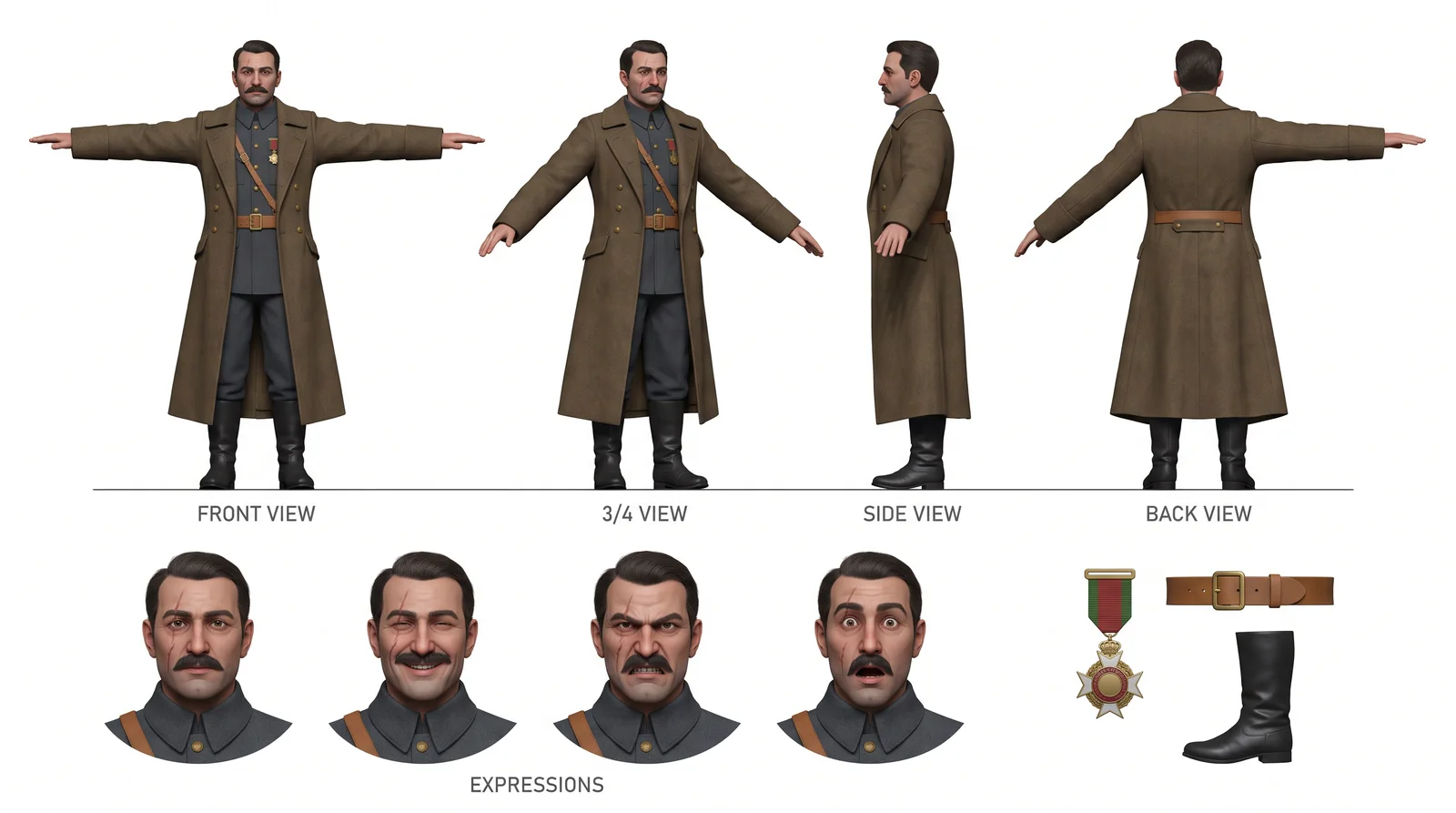
A flat picture cannot show you the back of a head. Convert a character's approved hero into a solid 3D model, turn it in the viewer and capture the exact angle you need as a reference, with no further render to pay for.
From picture to solid
Open a character's board, switch to the 3D model tab and convert the approved hero. When the character already has its turnaround board, the conversion reads several views, which gives noticeably better hair and backs. It runs in the background and survives a page reload, and the one-time price is shown before you confirm.
Every angle, free
Rotate the model, zoom toward the cursor and pan, then capture the angle. A capture can become the character's hero, fill a slot on the board or download as a PNG, and none of it costs a render. For a character, one click shoots the four canonical angles and composes them into a new board.
Bring your own, take it with you
Upload your own .glb instead of converting, up to 48 MB. Export the model as a textured GLB, as FBX when the conversion produced one, as OBJ for geometry or as STL for 3D printing.
Used where it matters
The character's 3D model stands in the shot editor's Camera & light tool, so you place the camera and the key light around the actual character rather than a generic mannequin.
Questions and answers
Does every capture cost money?
No. The conversion is a one-time fee; every angle you capture afterwards is free.
What if I change the character's picture later?
The model is marked as out of date and stays as it is. Converting again is your call.
Make your film
Start with a script or a single sentence. Every step shows its price before you pay for it.
Start a film