Shots & camera
Animation styles, from claymation to anime
The style is chosen once and holds for the whole film: every character, place and shot is drawn in it. Hover a style in the picker and its Example button opens a real reference clip, so you know what you are choosing.
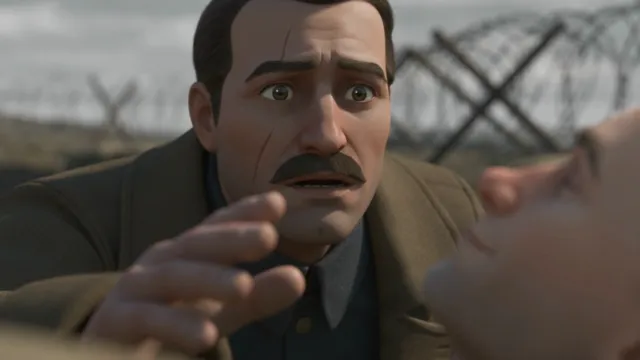
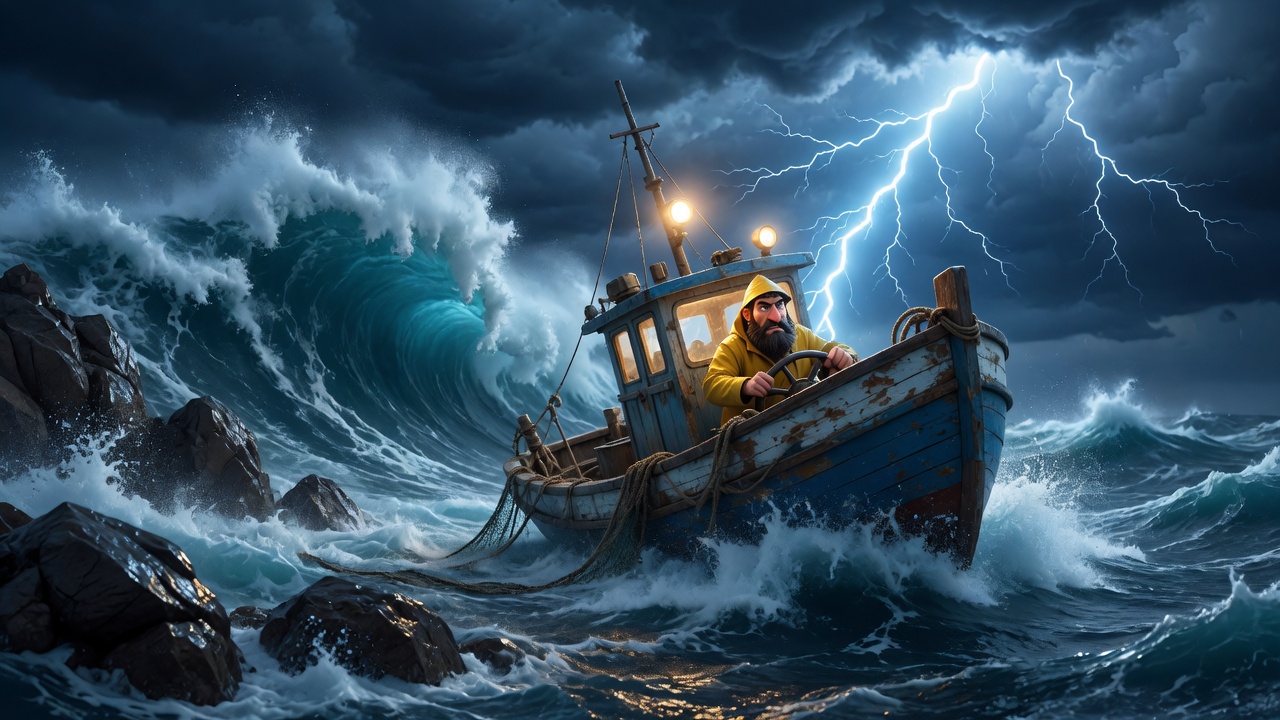
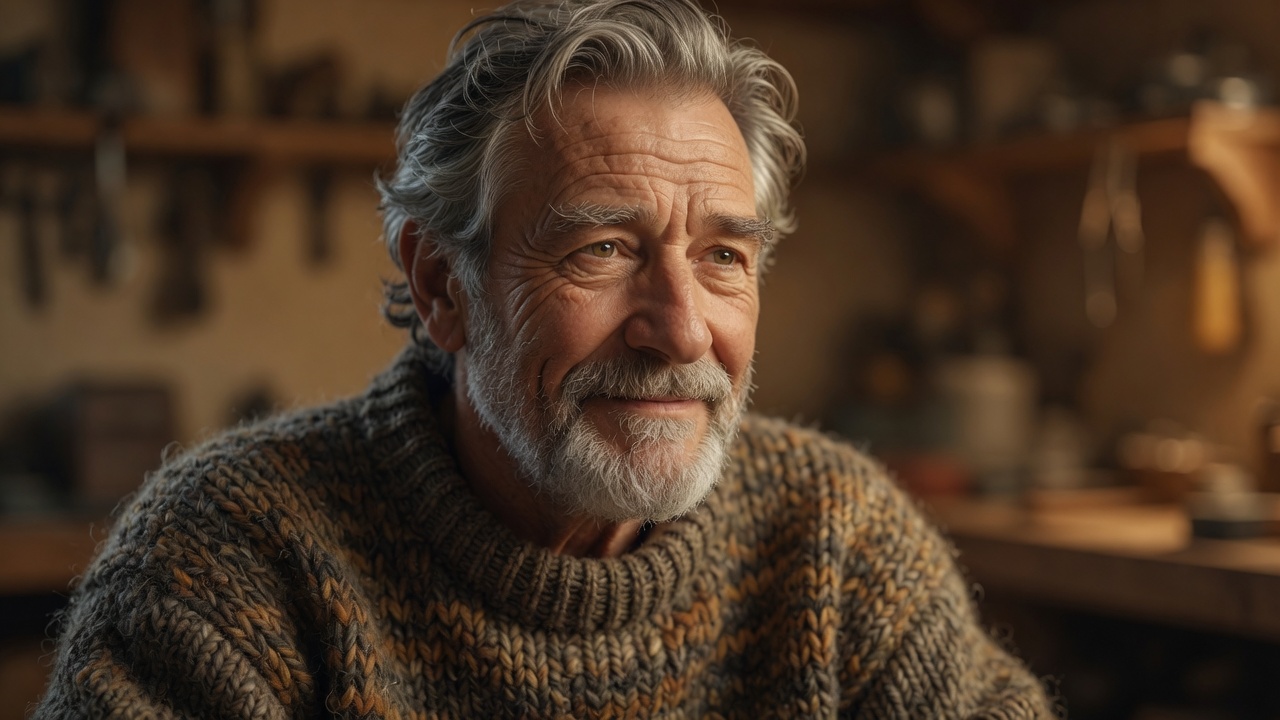
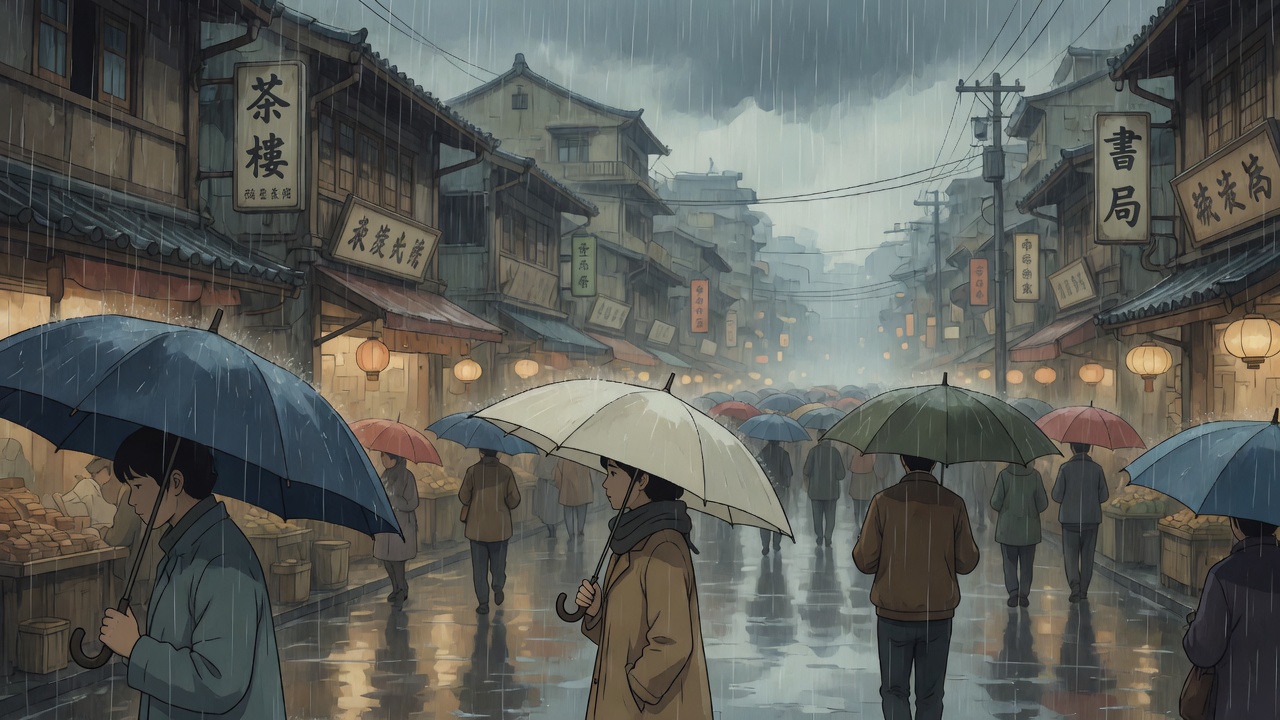
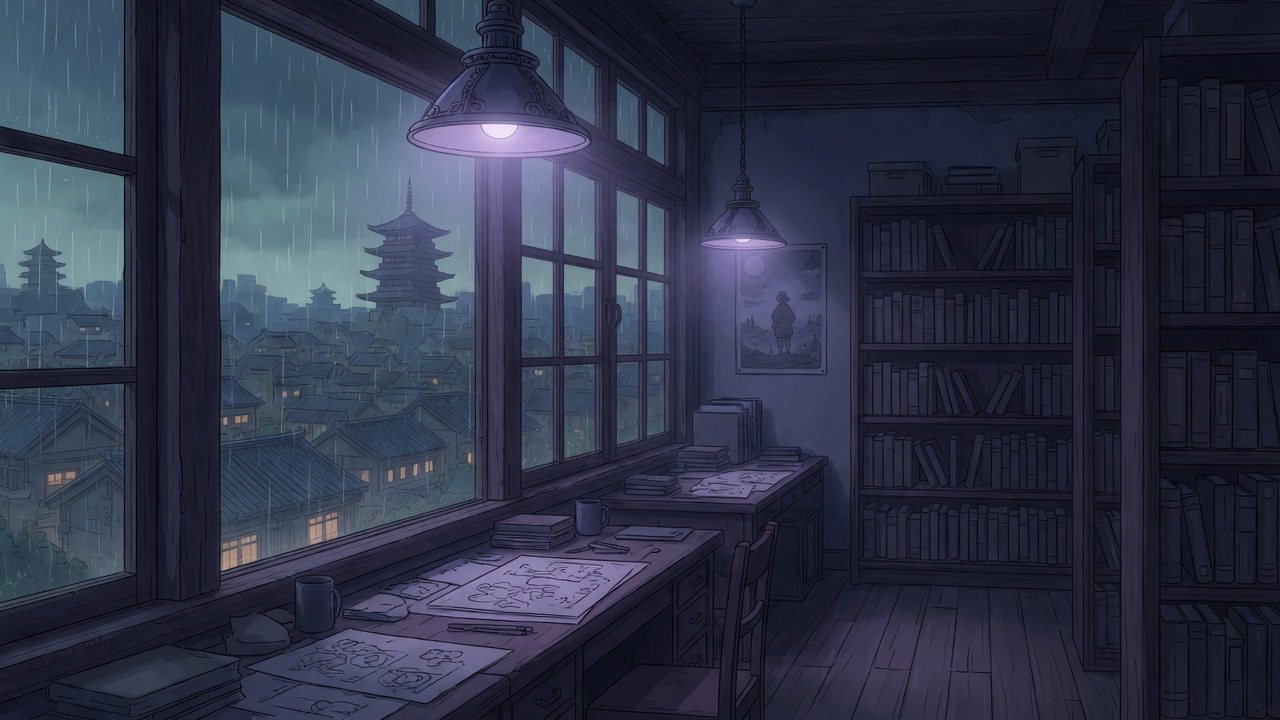
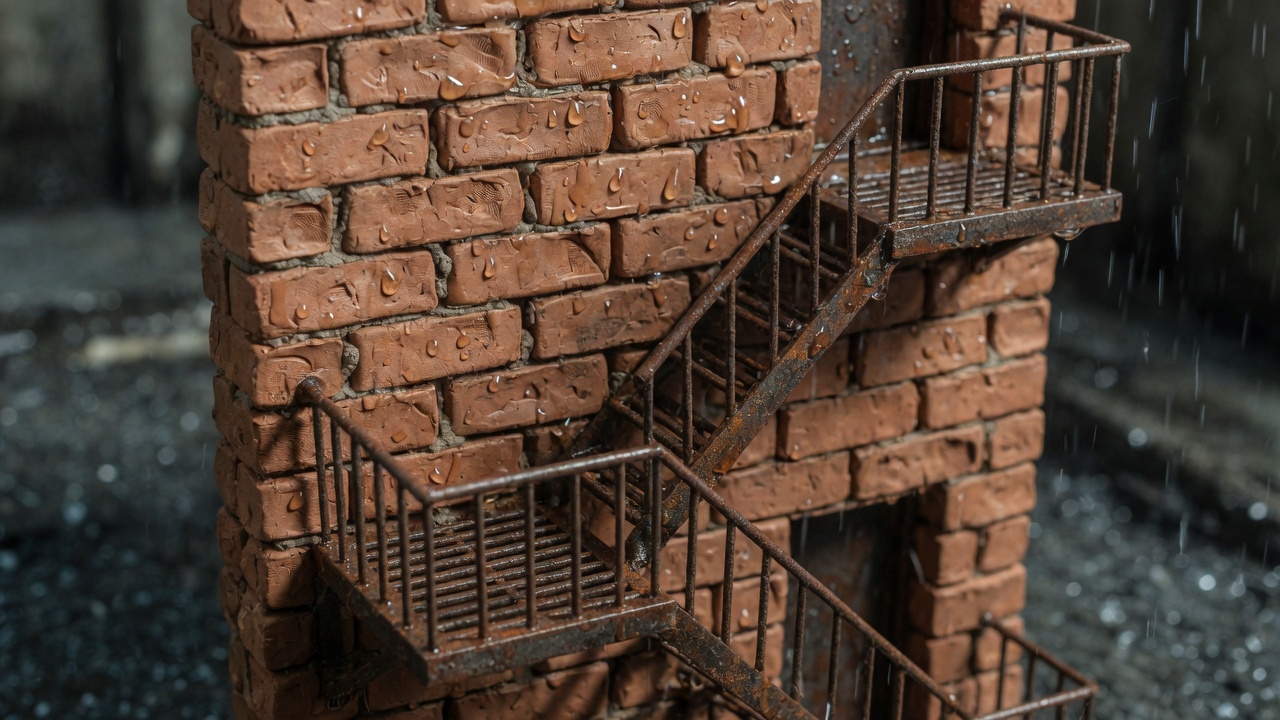
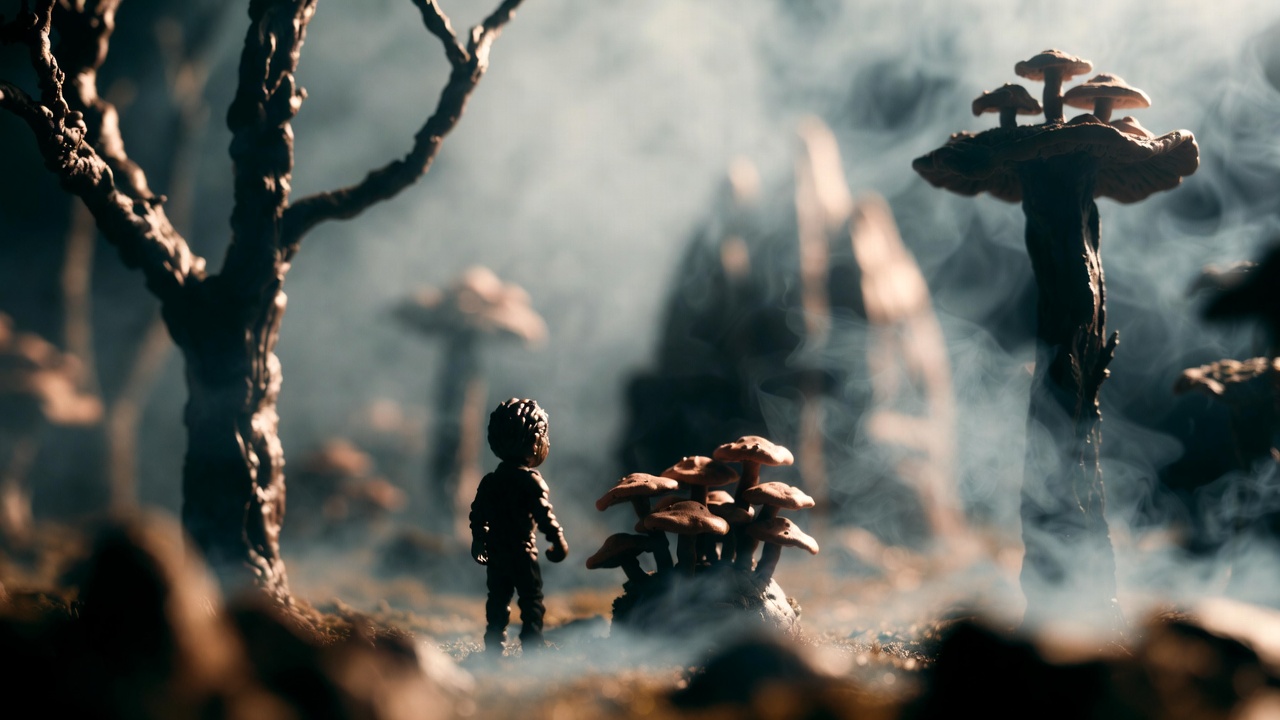
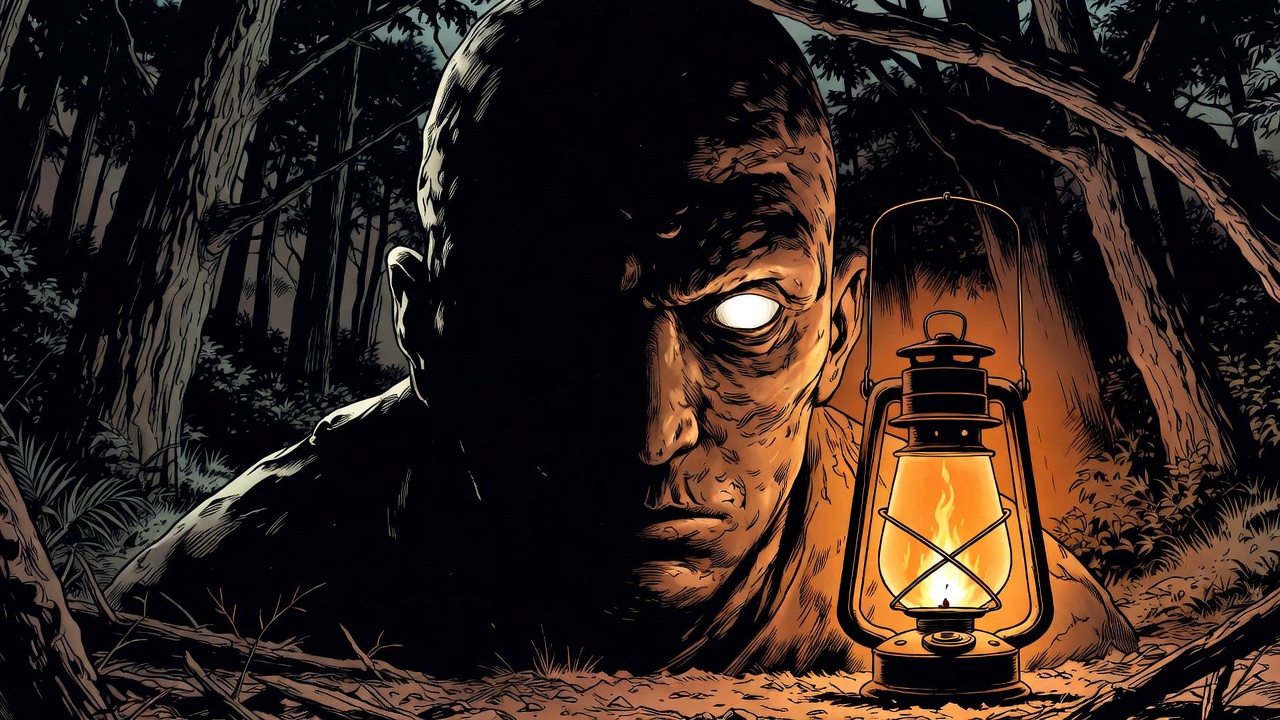
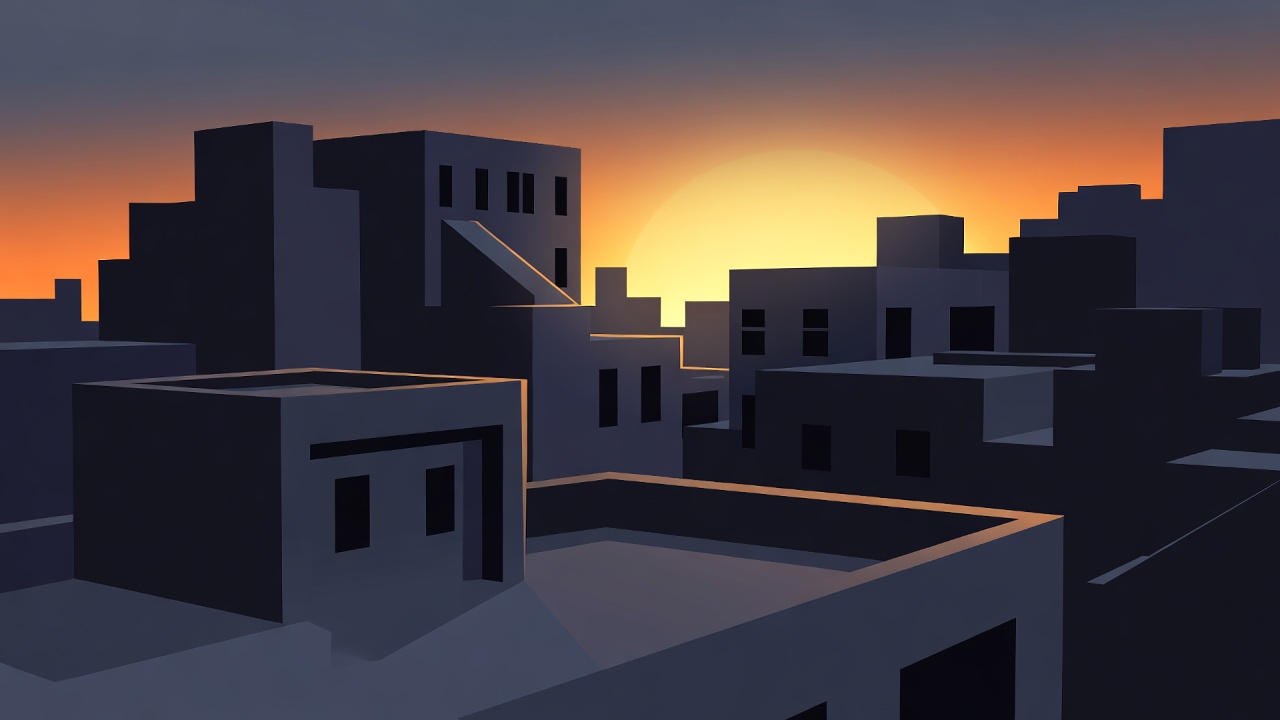
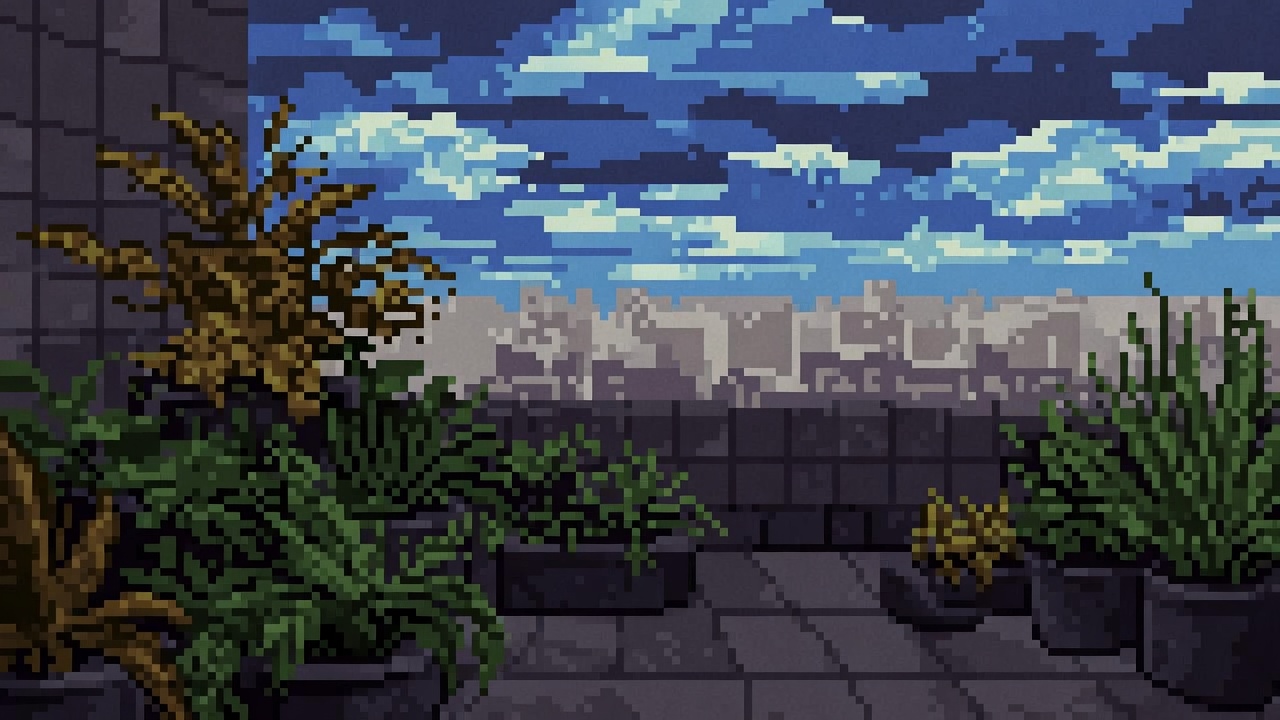
15 looks to choose from
The style picker offers Cinematic 3D, Realistic 3D, Classic 2D, Anime (Japanese), Stop Motion, Claymation, Comic Book, Cel-Shaded, Pixel Art, Watercolor, Low Poly, Rotoscope, Paper Cut-out, Vector / Flat, and Silhouette. Choose one in the prompt box before you send, and the whole film is made in it.
One style, held everywhere
The style is not a filter laid over finished shots. It is part of how every character, location and prop is designed and how every frame is drawn, so the cast belongs to the same world as the shots they appear in.
Described in craft, not in brand names
Each style reaches the engines as a description of the medium, the materials and the light, never as a studio's name. That keeps the look specific, and it keeps other people's trademarks out of your prompts.
See it before you pick
Every style tile has an Example button that opens a real reference clip of that style, so the choice is made by eye rather than by name.
Questions and answers
Does the style apply to the characters too?
Yes. Characters, locations and props are designed in the film's style, so the cast and the places match the shots.
What does the Example button show?
A real reference clip of that style, opened on YouTube. It is someone else's work, shown so you can judge the look; it is not a runime render.
Make your film
Start with a script or a single sentence. Every step shows its price before you pay for it.
Start a film